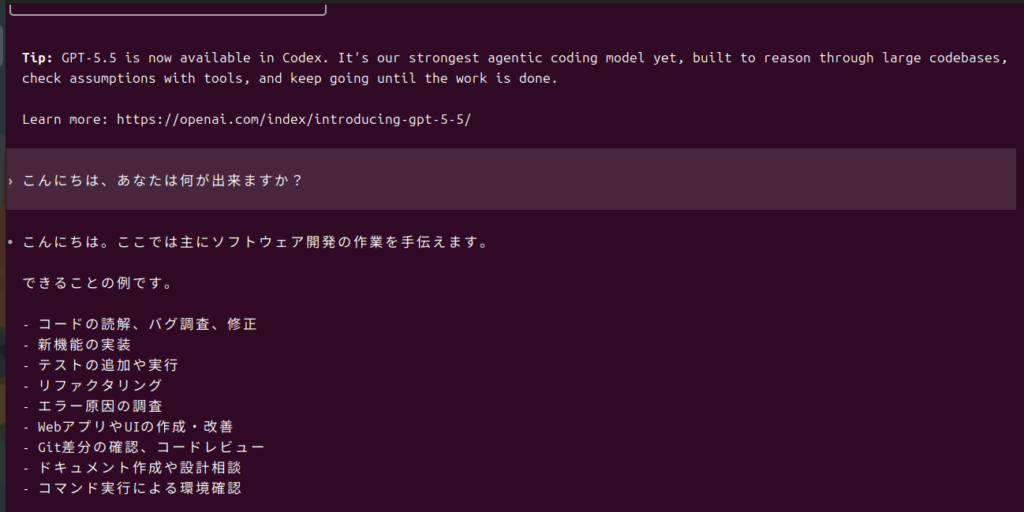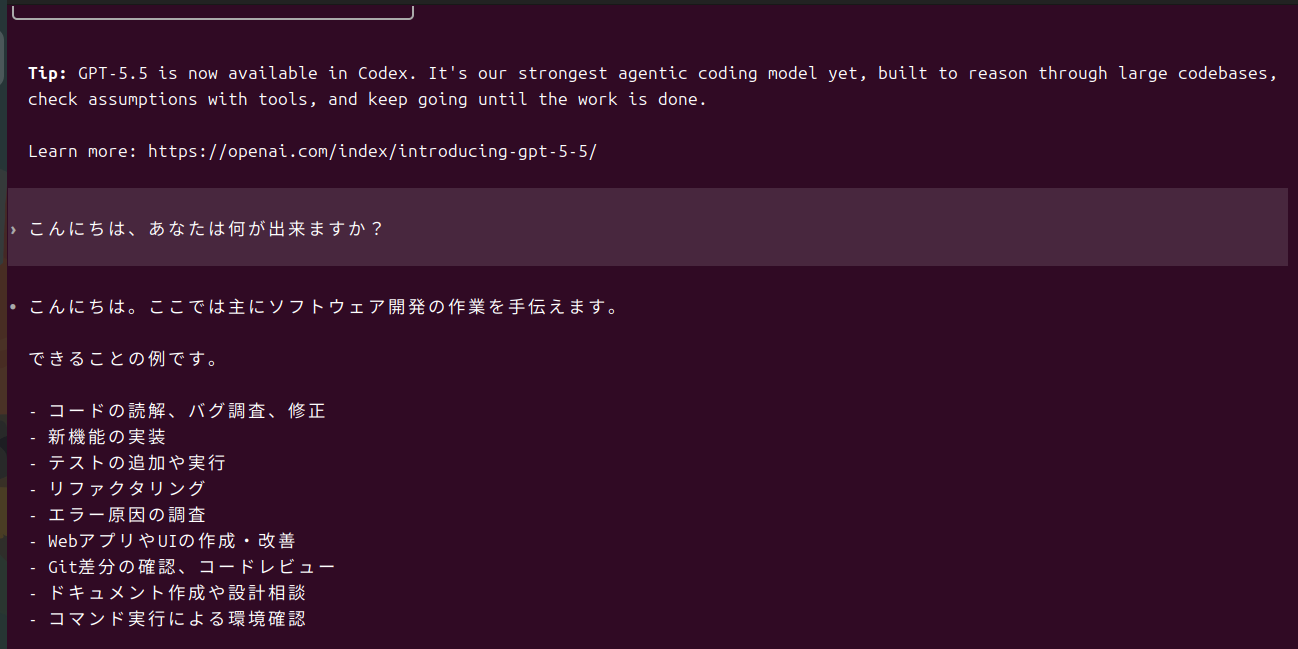
Ubuntu端末をPiサーバーの管理者AIエージェントとして使うためにCodex CLIのインストールを開始。rootユーザーでのインストールは危険という事で、ローカルユーザーで実施。
$ curl -fsSL https://chatgpt.com/codex/install.sh | sh
==> Installing Codex CLI
==> Detected platform: Linux (x64)
==> Resolved version: 0.137.0
==> Downloading Codex CLI
==> Installing standalone package to /0.137.0-x86_64-unknown-linux-musl
==> Current terminal: export PATH=”/bin:$PATH” && codex
==> Future terminals: open a new terminal and run: codex
==> PATH was added to /.bashrc
Codex CLI 0.137.0 installed successfully.
Start Codex now? [y/N] y
==> Launching Codex
$codex
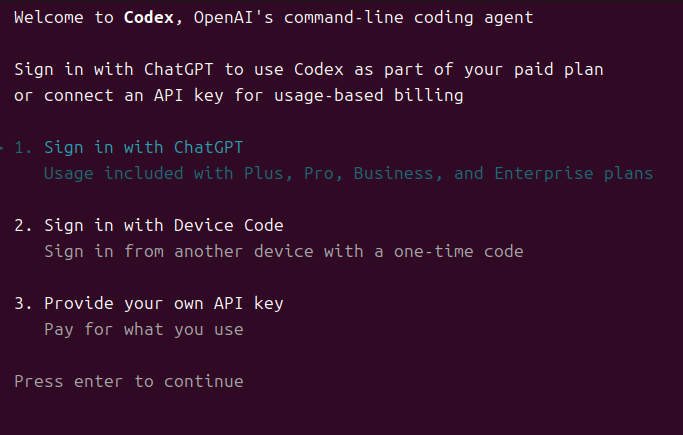
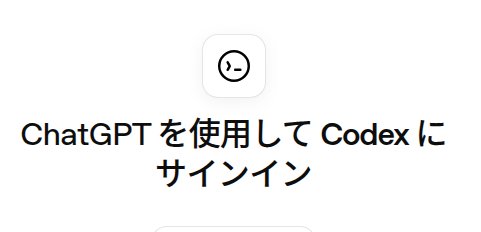
コマンドラインでログインすると、ブラウザが起動してアカウントへのサインインを要求される。
ログイン後にコマンドラインに戻ると画面が変化。
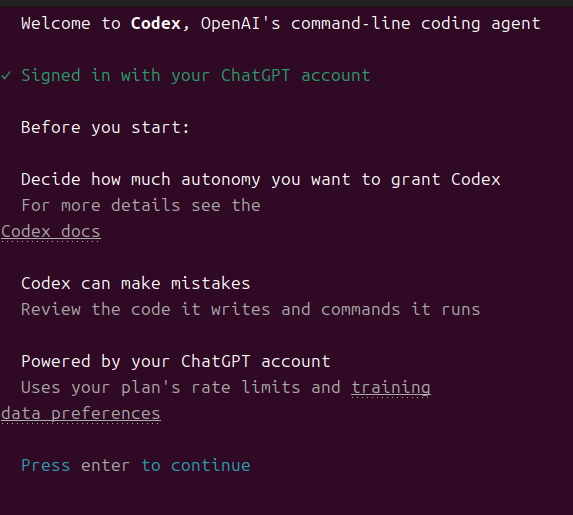
この後、ユーザーのホームディレクトリをメインに作業をするか聞いてくるので、一度終了して作業ディレクトリを作成後再度Codexを起動。 $mkdir ****codex作業dir******
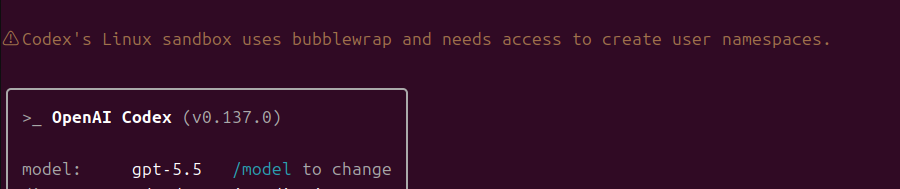

どうやら起動した。コマンドラインから日本語で質問してみると返事が帰って来たので実践に移れそうだ。